 Minimal Block Builder
iPhone & iPad · 3D building
Build a little world.
Stack walls, turn ramps into rooftops and paint a village one block at a time. Explore Bay Village XL and Lighthouse, or start with a blank plot.
Explore the building guide ↓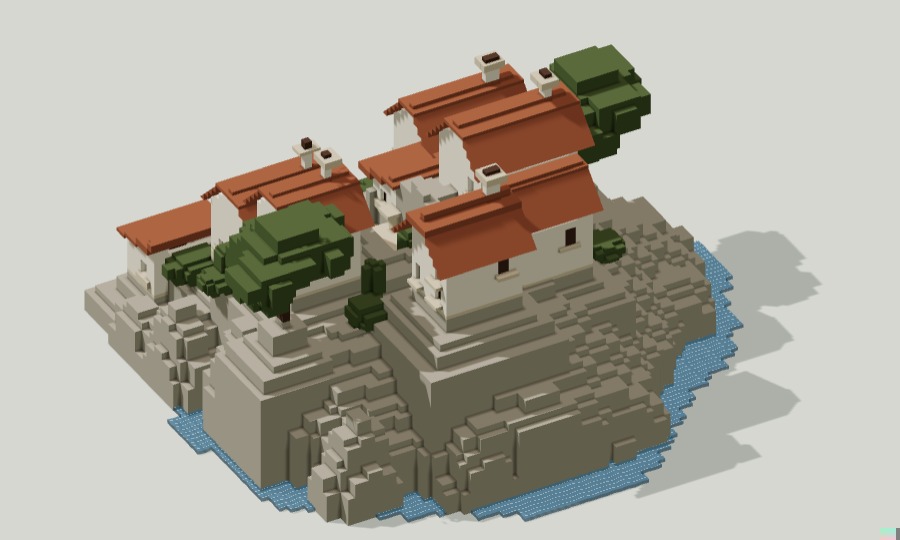
Builder support
Projects, gestures and sound.
How do I open or start a project?
Swipe through the project carousel. Tap a map to edit it, or swipe to “+ New project” and tap the empty scene.
How do I build and move around?
Choose a shape and color, then tap the ground or a block. Hold and drag to lay a series. Drag with one finger to orbit, move two fingers together to pan, or pinch to zoom. Tap Undo to reverse an edit.
Where are my projects saved?
The app saves edits on this device. Return to the carousel and check that your project opens again. If a save warning appears, keep the editor open, free device storage and try again. Deleting the app removes its local projects.
How do I rename or delete a scene?
Select a saved project in the carousel and open the three-dot Settings menu. Choose Rename project or Delete project. Deleting a project requires confirmation.
Why is the scene silent?
Sound starts switched off. Open Settings, enable sound and adjust the volume. Check the device volume and output if the scene is still quiet.
Contact support
Email the developer with your device model, system version and the steps you took. Include a screenshot only if you want to share it.